A practical Core Web Vitals checklist for WordPress and Shopify
LCP, INP and CLS in plain language, with a checklist for each metric that works on both WordPress and Shopify sites.
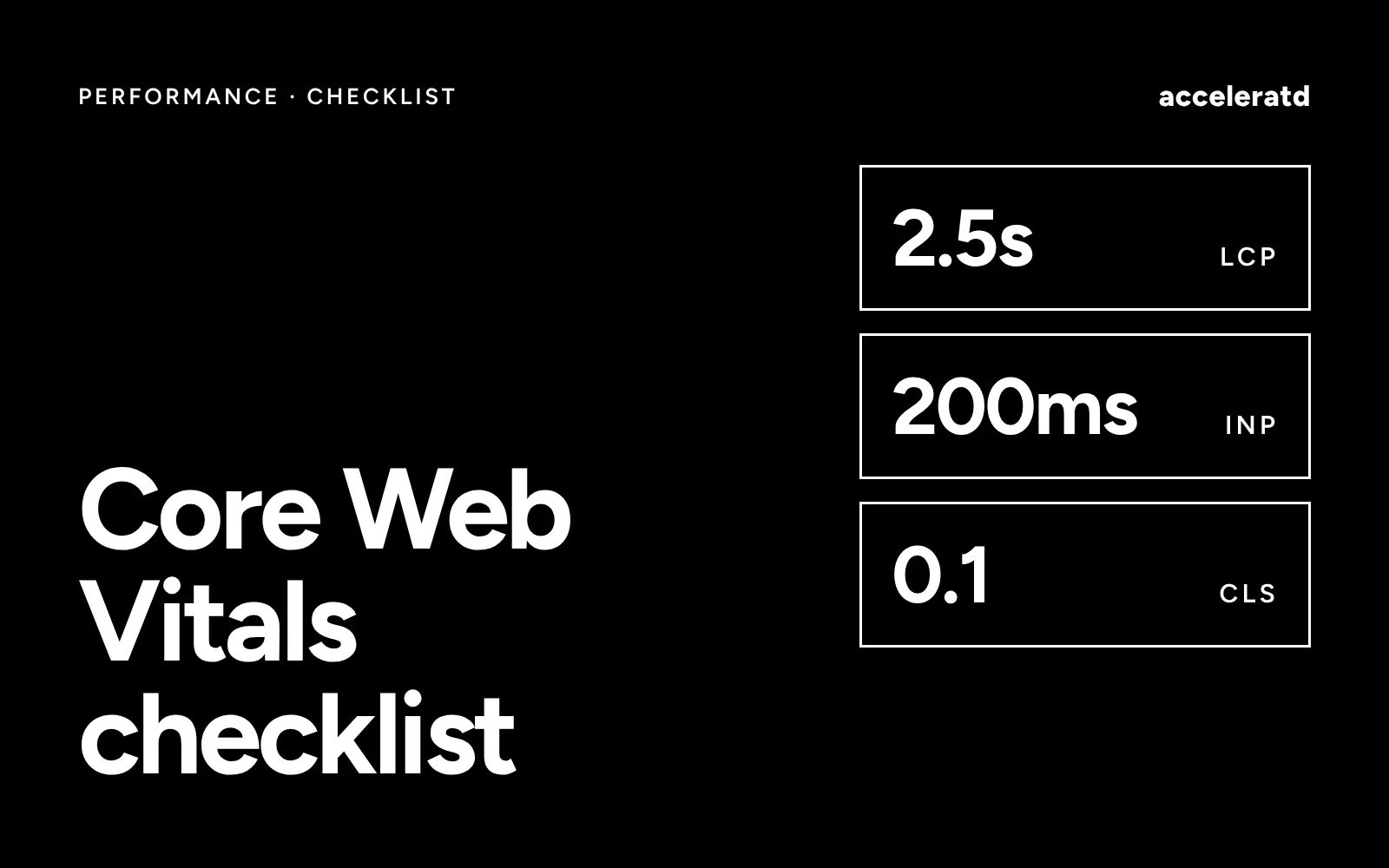
Core Web Vitals are three measurements Google uses to describe how a page feels to a real visitor: how quickly the main content appears, how quickly the page reacts, and how stable the layout is. Here is a checklist you can work through on a WordPress or Shopify site.
The three metrics and their targets
A page passes when at least 75% of real visits meet the “good” level for each metric.
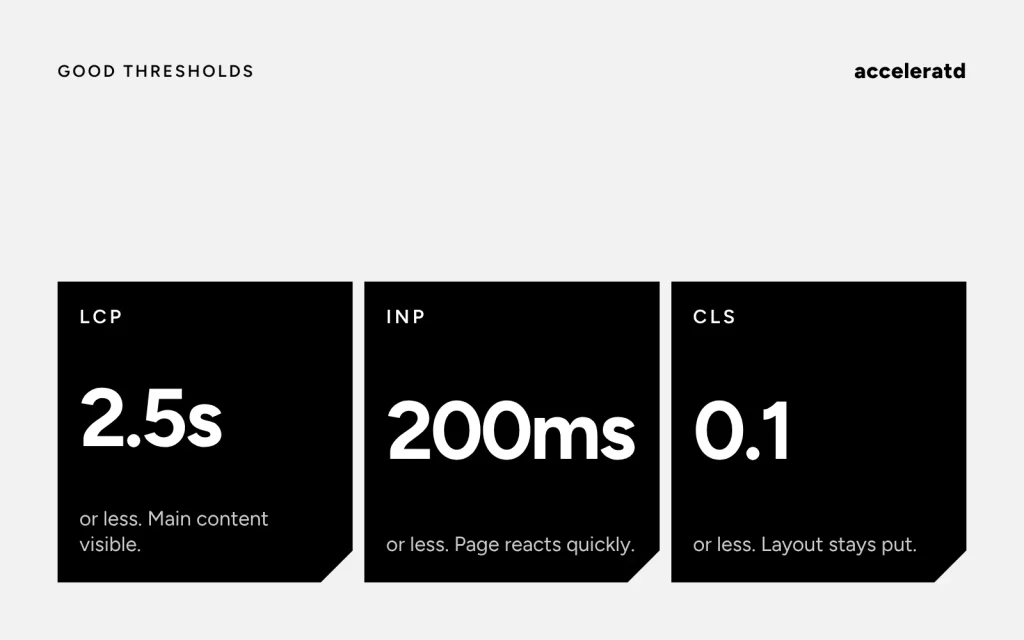
- LCP (Largest Contentful Paint): 2.5 seconds or less.
- INP (Interaction to Next Paint): 200 milliseconds or less.
- CLS (Cumulative Layout Shift): 0.1 or less.
Improving LCP
- Find the LCP element in PageSpeed Insights. It is often a hero image or a large heading.
- Serve that image in a modern format (WebP or AVIF) at the displayed size.
- Do not lazy-load it, and give it
fetchpriority="high". - Keep the server fast: use caching on WordPress, and keep the theme lean on Shopify.
- Remove render-blocking CSS and scripts that the first screen does not need.
Improving INP
- Cut third-party scripts: chat, pop-ups, heatmaps and tracking that run on every page.
- Break up long JavaScript tasks and defer work that is not needed straight away.
- Keep the page structure small, as huge DOMs make every interaction slower.
- Test on a mid-range phone, not only on a fast laptop.
Improving CLS
- Set
widthandheight(or an aspect ratio) on every image, video and embed. - Reserve space for banners, cookie notices and ads before they load.
- Use
font-display: swapand, where you can, a fallback font with similar metrics. - Do not insert new content above what the visitor is already reading.
How to check your work
Use the Core Web Vitals report in Google Search Console for real-user data across the whole site, PageSpeed Insights for a single URL, and Chrome DevTools for finding the cause. Field data updates slowly, because it is a rolling 28-day window, so give changes a few weeks before judging them.
Related reading
For store-specific advice, see why your Shopify store is slow. For plugin overhead on WordPress, read custom Elementor widgets or more plugins.